
How to Use the Mark HTML Element for Contextual Relevance and SEO Clarity
Technical SEO
Understand the importance of utilizing and optimizing the summary tag. With this semantic html tag you can improve relevancy and user experience.
Schedule a Call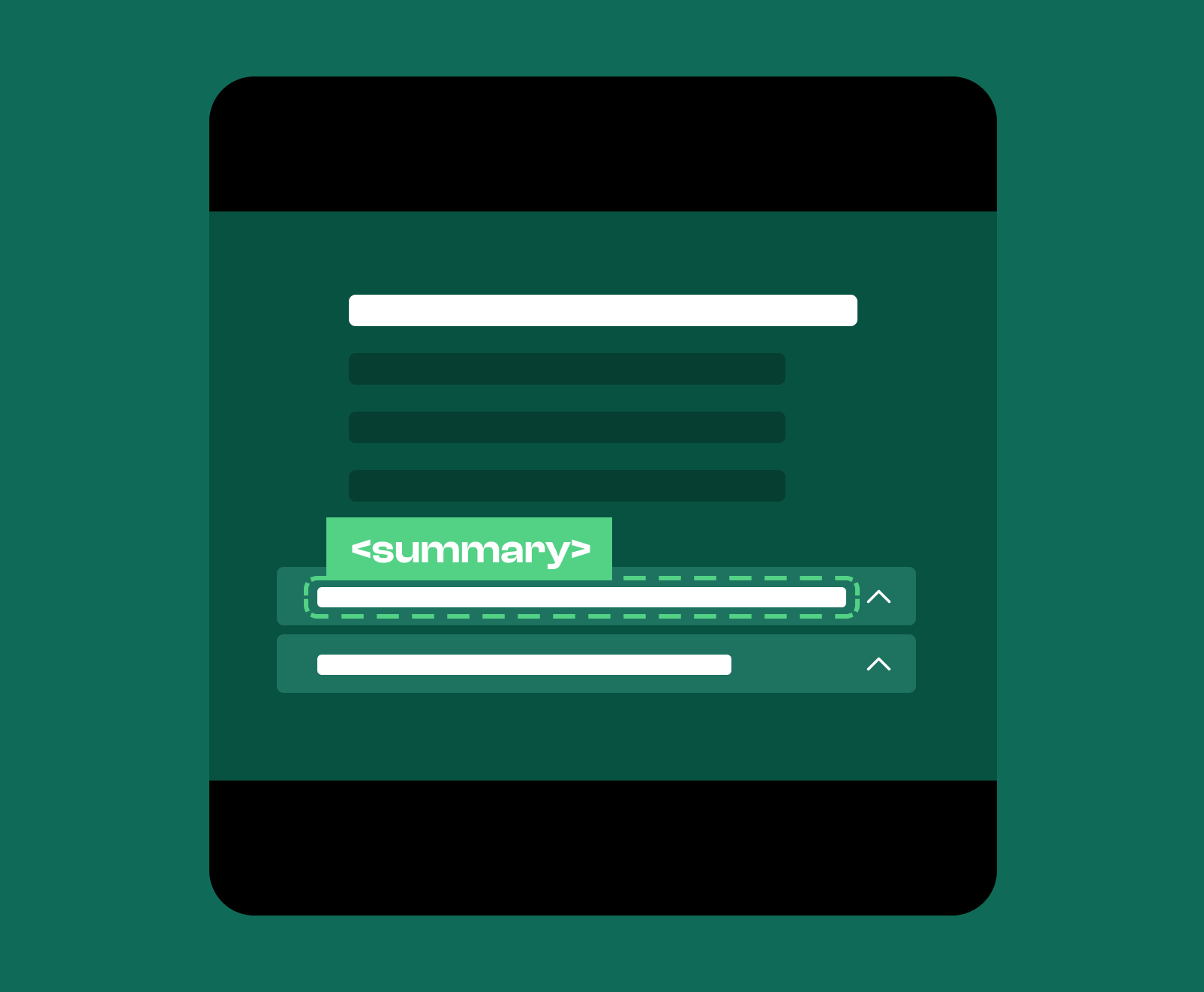
The summary element is a semantic HTML element that is used to label a collapsible section like an FAQ or other piece of content. It is placed inside the details element and provides users with a short, descriptive phrase that represents what they will find when they decide to expand the hidden content. The summary element is always visible, while the details content is revealed only when a user chooses to open it.
The summary element is a compact heading used to clarify the focus of a collapsible block of content. It is a semantic tag that provides a short description or preview that tells users what they can expect inside the details element. The role of the summary element is to act as the toggle label while also displaying the context for the content that follows. Its text should be direct, concise, and meaningful because it sets user expectations and helps define the scope of the hidden information.
You use the summary element in any situation where your content benefits from being collapsible. This includes FAQs, supplemental explanations, long definitions, policy notes, technical breakdowns, or any content that would clutter the page if shown by default. The summary element helps maintain a clean structure by giving users control over how much detail they want to view while keeping essential context visible at all times.
The summary element tells search engines that the enclosed details content is related but supplementary. Because the summary label is always visible, search engines treat it as part of the page’s primary meaning while interpreting the content inside the details element as additional context. This helps clarify your topic boundaries without overwhelming the document with every piece of information at once. Summary text acts as an anchor that signals the subject of the hidden content and helps algorithms understand how it fits into the structure of the page.
The section preview text works naturally inside a summary element because it briefly describes the hidden content in a way that helps users decide whether they want to expand it.
Compact definitions fit well in the summary element because they offer a quick explanation of a concept while hiding the more detailed information until the user decides to expand the content themselves.
Short explanations belong in the summary element because they display the purpose of the hidden information and prepare users for what they will see when they expand the content.
Ensuring your summary text is optimized for the primary context of the page helps ensure search engines understand how these pieces of supplementary content are just that, supplemental to the primary focus of the page. In turn, your summary text will help to boost the relevance of your primary content. You will also improve user engagement metrics, because users will be more likely to feel compelled to expand the content, spend longer on your pages, and if you house links inside the collapsed content, they’ll be more likely to click through to those pages too.
If you want to improve the way search engines interpret your website and strengthen the structure of your content, we can help. Our SEO services refine your markup, enhance your semantic clarity, and improve the relevance and performance of your pages so your website communicates more effectively with search engines and users. Reach out to learn how we can improve your website’s structure and visibility.