How to Use the Mark HTML Element for Contextual Relevance and SEO Clarity
Technical SEO
Understanding the details element will help you add so much context, clarification, and helpful information for your users. If you want to build authority & trust, you'll want to read this article!
Schedule a Call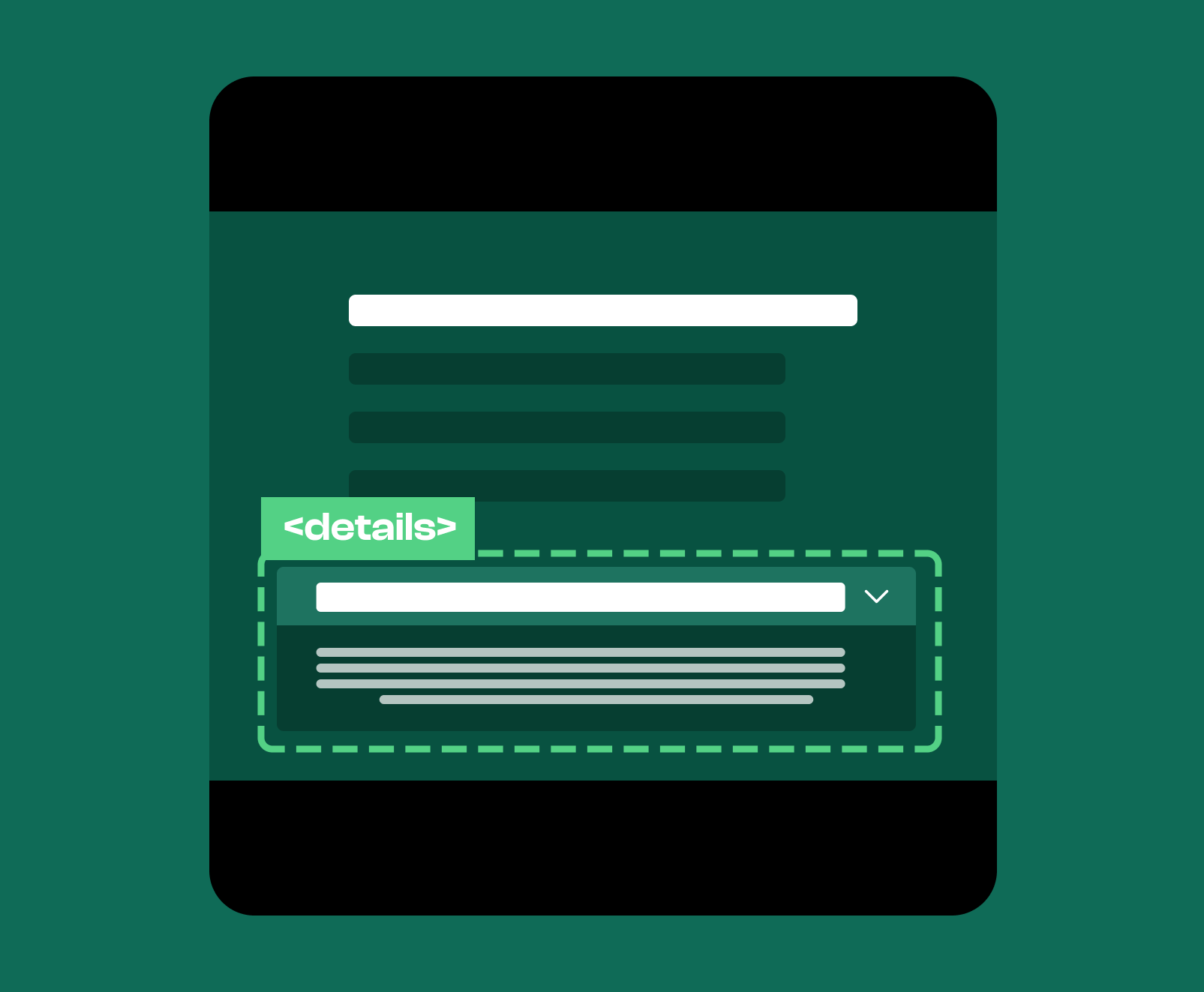
The details element is a semantic HTML element used to contain information that is initially hidden but can be revealed by the user if desired. It structures content that is helpful but not essential to the main focus of the page, and it allows users to choose when they want to see the additional information. Because the details element is both semantic and interactive, it enhances usability while improving the clarity and organization of your document.
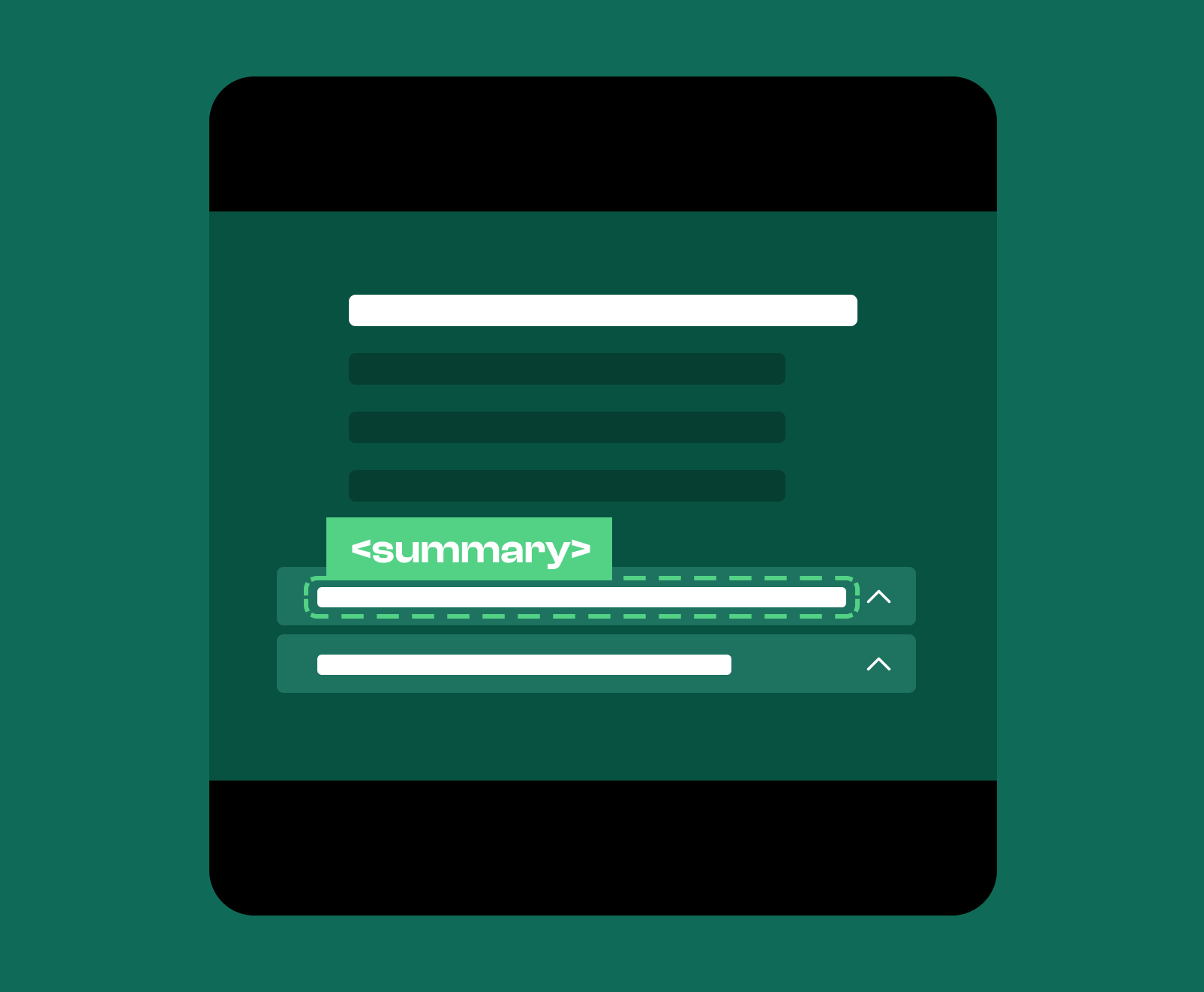
The details element is a container used to group content that should remain collapsed until a user decides to expand it. It allows you to present secondary or supplemental information without disrupting the flow of the page. When used correctly, details provides a cleaner reading experience, and it helps to define the relationship between primary and optional or supplementary content. The element supports a summary tag, which serves as the visible label that indicates what the hidden content contains.
You use the details element in situations where content is useful but does not need to appear immediately. This applies to FAQs, technical explanations, definitions, reference notes, disclaimers, citations, policies, or any material that enhances understanding but is not required for the main thread of the page. The details element is especially helpful on long pages where optional expansion prevents visual clutter and helps users navigate information more efficiently.
Search engines view the details element as a semantic element that communicates that the content inside it is related to the topic of the page but doesn’t help to shape the primary focus of the page. Search engines interpret the summary as an anchor that identifies the purpose of the hidden material while treating the details content as supporting information. This helps clarify structure, and it also reduces the risk of diluting the relevance of your page with secondary information. The details element also improves document semantics by distinguishing essential content from optional or supplementary content in a way that algorithms can easily discern.
FAQ features are one of the most commonly used features that belong inside of a details element. This is because while the content inside an FAQ is important to guide and inform the user, it isn’t part of the main content, and it can often provide a better experience to the user if that content is collapsible. Containing FAQs inside a details element ensures that vertical scrolling is kept to a minimum, while also helping the user satisfy their query at the same time.
Technical notes fit naturally inside details because they provide precision and clarity without overwhelming readers who only need a general understanding. Complex material becomes optional rather than intrusive.
Details elements often house policy disclosures because they are important but rarely require constant visibility.
Using the details element helps keep your pages organized, readable, and visually clean. In addition to these benefits, it helps to cut down on vertical scrolling, which will help to improve user experience. You also allow the user to determine how much information they’ll see. If they want to dive deeper, they can, otherwise, they aren’t required to.
In addition to these benefits, you’ll also be able to write supplementary content that helps to improve the relevance of your main focus on the page. You’ll also be able to optimize summary tags which will help drive the relevance and rankability of your content as well.
If you want to strengthen your website’s structure and help search engines understand your content more effectively, our technical SEO services can help. We refine your markup, improve semantic clarity, and enhance the organization of your pages so your site performs better for both users and search engines. Reach out to learn how we can improve your technical foundation and long term visibility.