How to Use the Mark HTML Element for Contextual Relevance and SEO Clarity
Technical SEO
Understand everything regarding nav elements to ensure you are using them properly and are not diluting the relevance of your pages.
Schedule a Call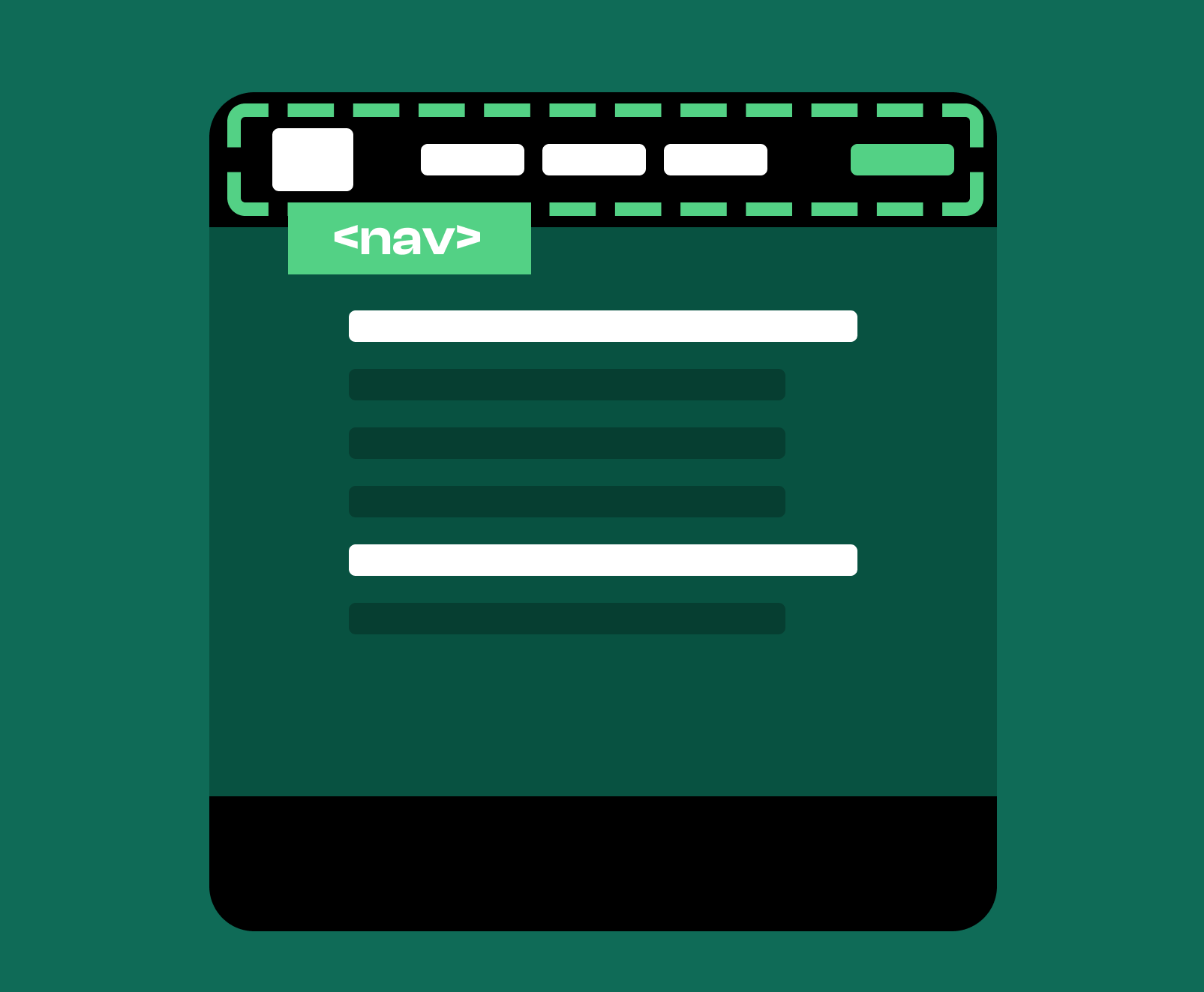
The nav element represents a section of a page dedicated to navigation. It holds links that help users move through different areas of a website or through parts of a larger document. The nav element creates a clear, semantic distinction between navigational content and other forms of content, which improves overall structure and accessibility.
You use the nav element anywhere you need to present a set of navigational links that guide users to important sections of your site. This can be in a main header, sidebar, footer, or within specific components that help users move between related content. The nav element is used to group navigational structures so that both users and search engines understand their purpose.
To search engines, the nav element indicates that the links within it form a navigation system rather than links related to the specific page the user is currently visiting. It is a semantic element that helps imply that the content and links contained are primarily for helping guide users through the most important places on the domain, versus content related to the primary focus of the page itself. This distinction helps search engines understand the hierarchy and structure of the website. It reinforces which pages are important nodes and how the internal architecture is designed. By clearly communicating which links support navigation, the nav element strengthens the site’s overall organization and relevance.
Primary site navigation includes the main set of links that guide users through the core areas of your website. When placed in a nav element, this group of links is clearly identified as a high level structural component of your site.
Secondary navigation links guide users through sub sections or related content areas. Using a nav element for secondary navigation helps organize your site into understandable layers and clarifies for search engines how your content is grouped.
A table of contents placed inside a nav element helps users understand the structure of a long document or article. This usage will signal that the links therein provide a navigational function rather than additional topical resources.
Navigation for multi-step processes fits well within a nav element. It controls movement between steps and helps search engines understand that these links represent structured progress rather than general content connections. Search engines can discern this without the nav, but by including it and optimizing for these types of semantics, you make your content more efficient to understand, and these optimizations are rewarded as trust signals, ranking improvements, and more.
A common mistake is using the nav element for every group of links, even when they are not part of a navigation system. Another mistake is overusing multiple nav elements without clear purpose, which can confuse both users and search engines. Using the nav element for footer links that are not meant to guide primary navigation is also a frequent misuse. Ensuring that the nav element contains only navigational structures maintains clarity and proper semantic meaning.
A page can have more than one nav element as long as each one represents a distinct navigation system. For example, one nav can contain your global navigation, while another can contain in page navigation for a long article or secondary navigation for a subsection. The key is ensuring each nav has a clear role that aligns with user expectations and content structure.
Using the nav element results in a cleaner and more structured navigation experience. It improves accessibility by giving assistive technologies a clear way to identify navigational areas. Search engines benefit from having an accurately marked set of navigation links, improving their understanding of your site’s hierarchy. Proper use of the nav element results in better organization, improved user flow, and a stronger foundation for SEO.