How to Use the Mark HTML Element for Contextual Relevance and SEO Clarity
Technical SEO
Help search engines and AI understand which parts of your page are secondary and which parts carry the real weight of the topic. By clearly separating supplemental information from your primary content, you make it easier for these systems to interpret what matters most and avoid confusing structural elements with the subject of the page.
Schedule a Call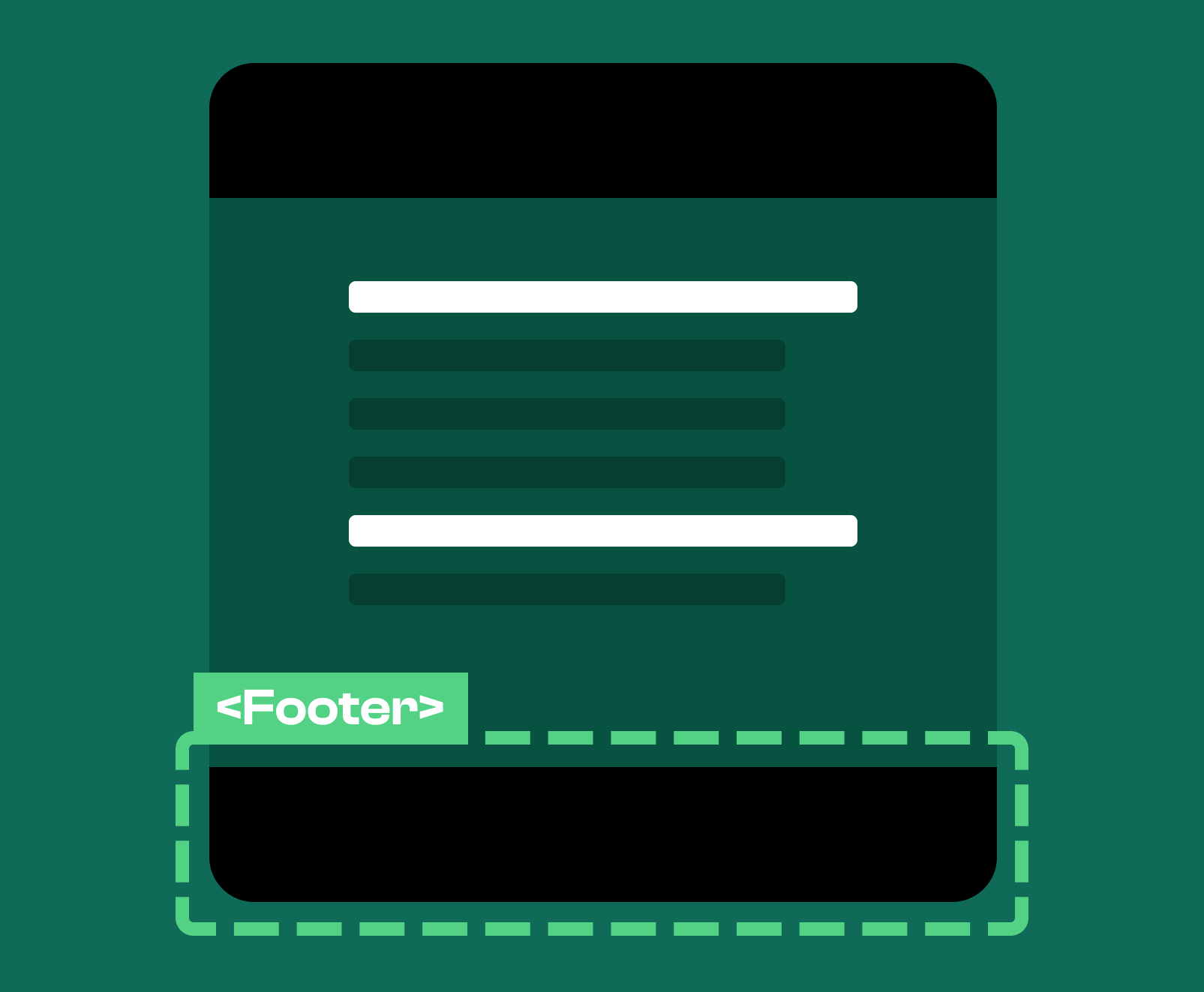
The footer element is a semantic HTML element that identifies the concluding section of a document or a sectioning element. It provides structured meaning to the end of a page and increases the clarity of your overall markup. Footers are typically used to provide supplemental information such as site wide navigation options, legal notes, addresses, or related resources. The primary purpose of the footer element is to signal that the main body of content has finished and that what follows is supportive rather than essential to the topic of the page.
The footer element is an HTML element used to contain closing content for either the entire document or a specific sectioning element within the document. It usually appears at the bottom of the page, though it may also appear inside articles or sections if the author wishes to include metadata or end-of-section information. The footer element helps establish a clear boundary between primary content and secondary or supportive material. This improves structural clarity and gives both users and search engines a more accurate understanding of how your content is organized.
You use the footer element at the end of a document or at the end of a sectioning element such as an article or section. The global page footer appears at the bottom of the content and contains information that applies to the entire site or document. When used within a specific section, the footer element communicates the end of that section and typically contains related information such as citations, metadata, or related resources. Its placement always signals a conclusion or closing context for the material that precedes it.
You can also use this section inside the semantic HTML article tag to clearly communicate the metadata associated with the content contained in the article tag.
To search engines, the footer element conveys that the content inside it is not the primary subject of the page. Instead, it serves as supplementary information that helps clarify the identity of the site, provide navigation, and offer helpful context to the user. Because search engines understand the semantic meaning of the footer element, they can better interpret which parts of your content should be weighted heavily for ranking and which parts are structural rather than topical. This improves the way your content is parsed and helps ensure that your main content receives the strongest focus.
The footer element should contain content that supports the document rather than leading it. These are elements that help users navigate, understand the source of the content, or access important details that do not belong in the main body.
Navigation blocks placed inside a footer help users find their way around your site without polluting the main navigation bar. This is a common practice in modern design because the footer provides space to organize secondary navigation options, resource links, or less frequently used pages without distracting from the main content or primary conversion paths.
The footer element is the ideal location for address information because it serves as an end-of-page reference for identifying the business or organization behind the site. Contact details such as physical address, phone number, or general email information fit naturally here because they are supportive and apply globally to the entire site rather than being tied to a specific section.
Supplementary links should be placed in the footer when they offer value to users but are not critical to the main navigation. These links often include resources like privacy information, help centers, documentation, archives, or additional service pages. Their placement in the footer ensures they remain accessible without interrupting the flow of primary content.
Legal and compliance information belongs in the footer because it is required site wide but has no relevance to the primary subject matter of the page. This includes privacy policies, terms of service, disclaimers, and any region specific compliance information such as notices required by governing bodies. The footer helps keep this information available but unobtrusive.
Copyright notices are traditionally placed in the footer because they provide legal ownership and publication details for the website or its content. They clearly identify the rights holder and the year of publication while remaining visually separate from the main content of the page.
A page can have multiple footer elements because HTML allows a footer for the entire document as well as footers for individual sectioning elements such as articles or sections. This is contrary to popular belief, but this means a page may contain one global footer and several local footers, each attached to its corresponding section. This creates a well structured document where both global and local content are given appropriate concluding areas.
Using the footer element improves the semantic clarity of your document and ensures that search engines accurately understand which content is primary and which content is supplementary. It creates a predictable structure for users, offers clear access to important site wide information, and strengthens the logical flow of the page. A well built footer enhances usability, improves site identity, and contributes to a stronger semantic foundation that supports both accessibility and search visibility.
Spirra Digital is an award-winning SEO, Web development, and design agency helping companies just like yours. If you want to improve your SEO, give us a call.